- Platform
- Mac (Apple Silicon) and Windows 10/11
Free AI voice generator for Mac & Windows
AI Voice Generator& Voice Cloning
Voco Speech is a free AI voice generator and voice cloning app for Mac and Windows with a private local workflow and unlimited voice cloning for Free.
Mac: macOS 11.0+ on Apple Silicon (M1 or newer). Windows: 10/11 (x64).
- Free AI voice generator
- Unlimited voice cloning
- $9.90 lifetime
- Unlimited generation
- Private local workflow
Shape voiceovers inside a desktop AI voice studio
Use available Sound Tags, Emotion Selection, and Speaking Styles to shape delivery for videos, tutorials, and demos without leaving your desktop workflow.
Hear AI voice generator demos
Listen to sample clips created inside Voco Speech for voiceovers, narration, and expressive desktop creator workflows.
Professional
ProfessionalClone
>The ultimate on-device Text to Speech & voice cloning app. Experience private, state-of-the-art AI voices running entirely on your desktop.
Emotional Tone
Sarcasm
>Oh, fantastic. Another meeting that could have been an email. My favorite.
Sound Effects
Sound FXStory
>I tried to bake a cake today... let's just say the fire department came! [laugh]
Voice Acting
WhisperIntimate
>[shush] Keep it down... we don't want to wake the neighbors. It's late.
Voco Speech at a glance
Key facts for desktop users comparing AI voice generators, pricing models, and private local workflows.
- Free plan
- 5 minutes per month
- Voice cloning
- Unlimited on Free and Pro
- Pro pricing
- $9.90 lifetime, no subscription
- Generation
- Unlimited on Pro
- Workflow
- Private local core generation
Why choose Voco Speech for AI voice generation on your desktop?
The short answer is simple: it is free to start, keeps core generation local on your Mac or Windows machine, includes unlimited voice cloning, and upgrades with a one-time Pro purchase.
Free AI voice generator for desktop
Start with a recurring free generation quota on Mac or Windows while keeping core synthesis and voice cloning in a private local workflow.
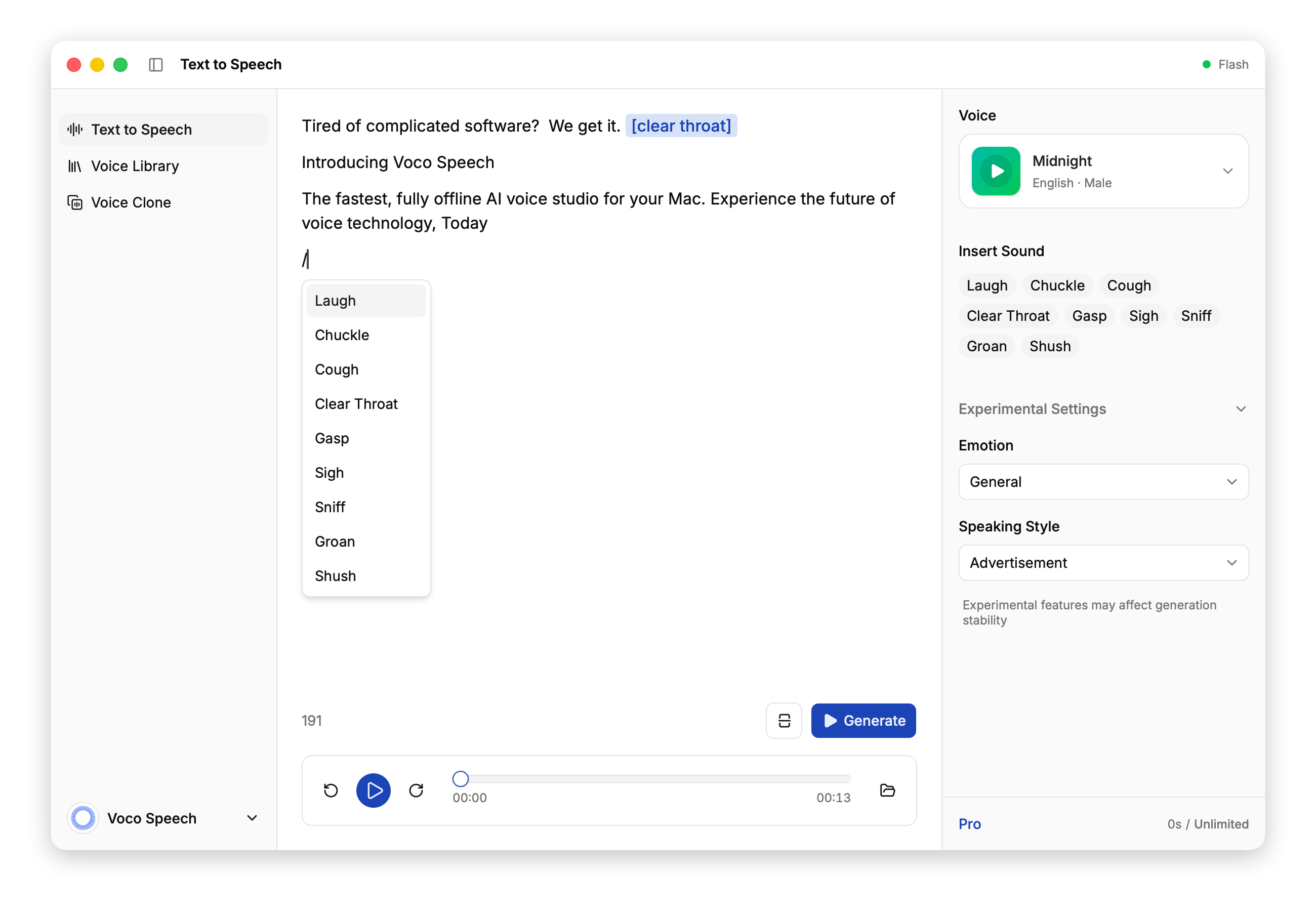
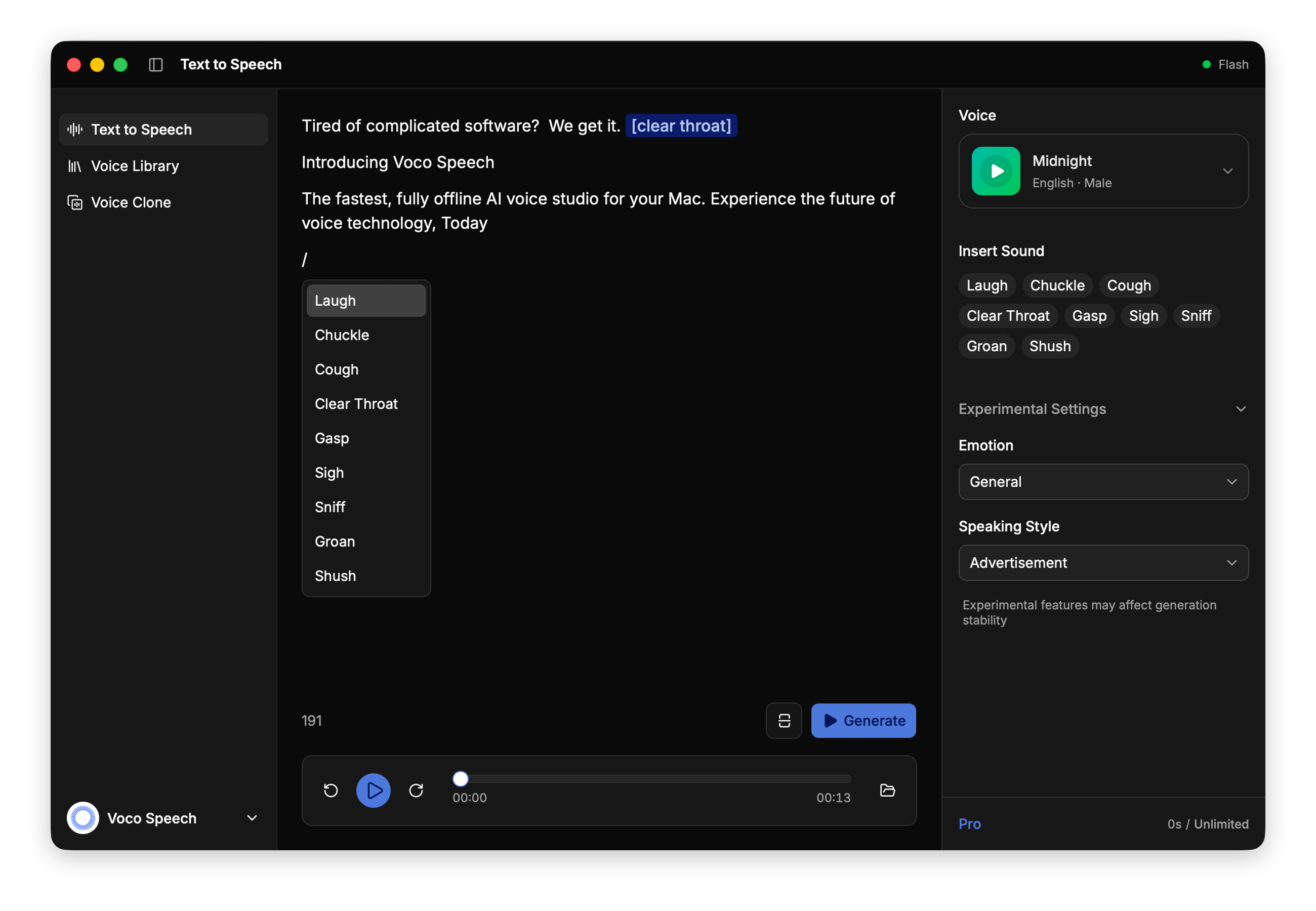
AI voices for creator work
Produce clear narration for YouTube videos, tutorials, podcasts, product demos, and other narrated content on your desktop.
YTYouTube
DEDemo
TUTutorial
POPodcast
VOVoiceover
YTYouTube
DEDemo
TUTutorial
POPodcast
VOVoiceover
Unlimited voice cloning
Clone voices on both Free and Pro without clone-count limits as you test ideas or build a reusable voice library.
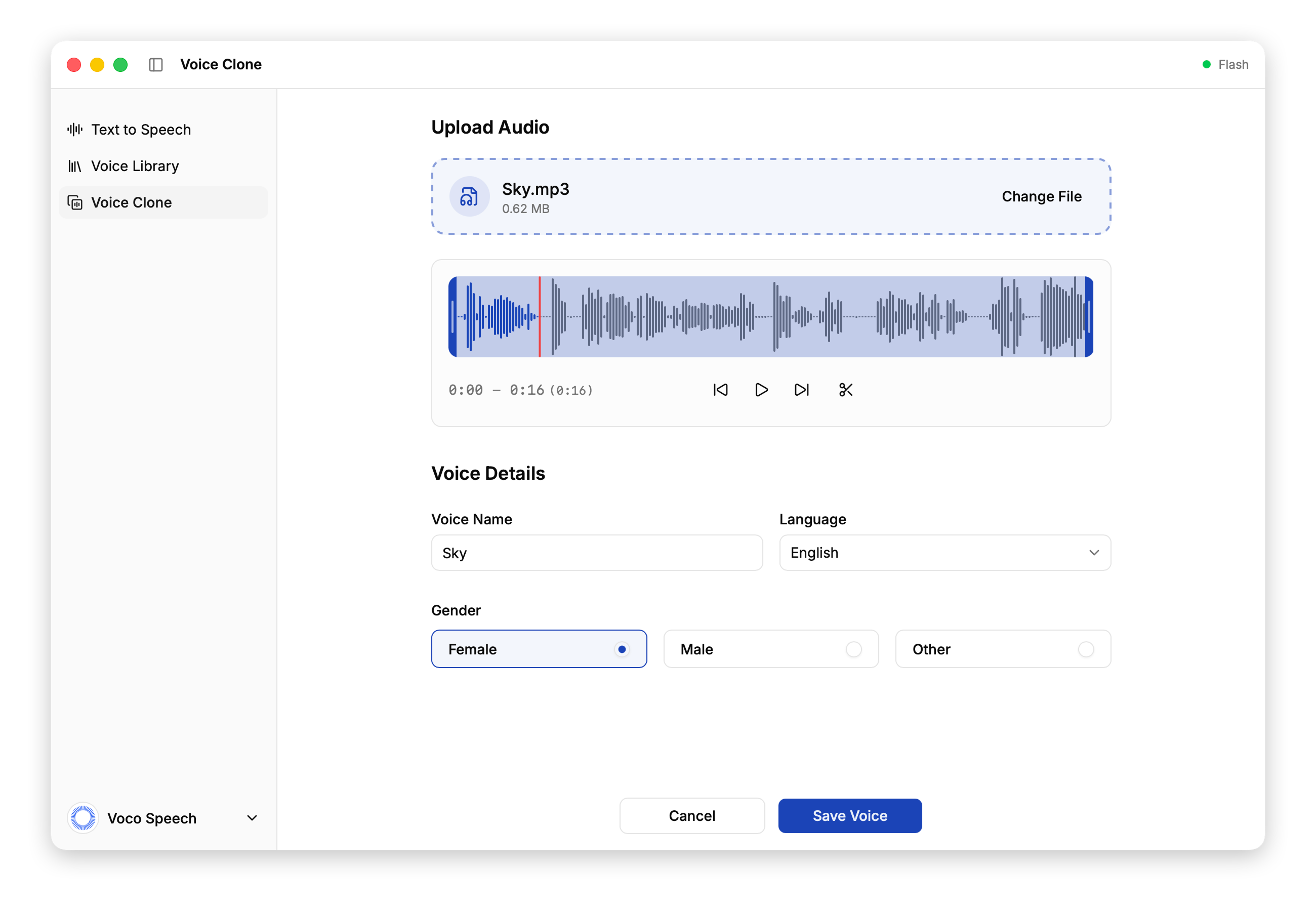
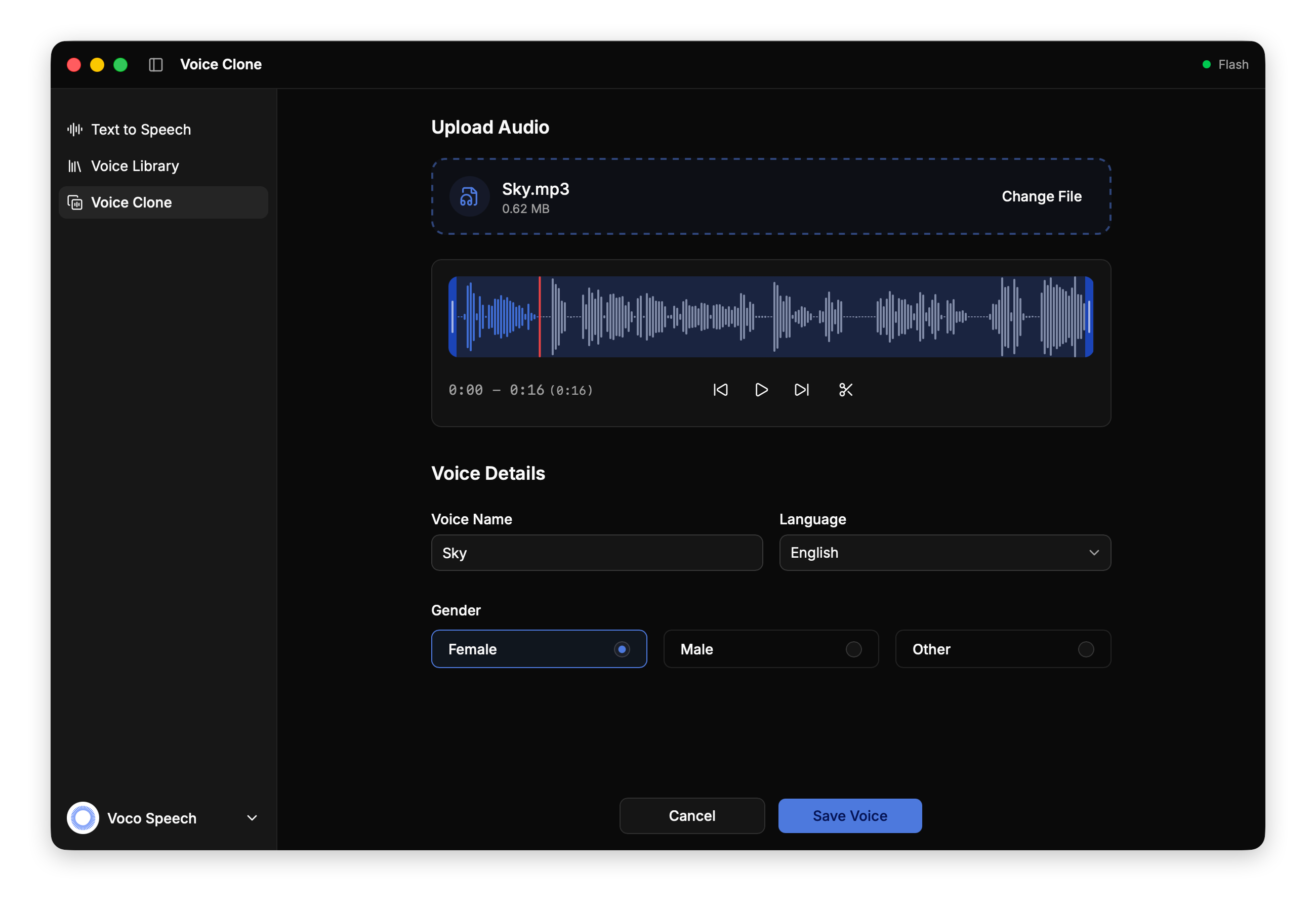
Pay once, no subscription
Upgrade once for $9.90 lifetime to remove generation duration limits instead of paying for a recurring subscription.
Looking for an ElevenLabs alternative on Mac or Windows?
Choose Voco Speech if you want a private local workflow on your desktop, unlimited voice cloning, and a one-time upgrade instead of recurring cloud credits.
Pricing snapshot last reviewed on April 8, 2026.
Comparison point
Voco Speech
ElevenLabs
Workflow model
On-device on your Mac or Windows PC
Cloud-first workflow
How source audio is handled
Core cloning and generation stay on your device
Reference audio is uploaded into a hosted platform workflow
Pricing model
One-time $9.90 lifetime upgrade
Monthly subscription with credits and optional usage-based billing
Long-form generation
Unlimited generation on Pro
Credit-based generation that scales with plan usage
Voice cloning access
Unlimited voice cloning on Free and Pro
Instant Voice Cloning on Starter, Professional Voice Cloning on Creator+
Best fit
Desktop creators who want local control and simpler long-term pricing
Teams that prefer a broader hosted platform and recurring plans
What can you make with Voco Speech?
It works best for desktop creator workflows that need reusable cloned voices, private local generation, and clear narration for recorded content.
YouTube voiceovers
Draft narration for explainers, list videos, reviews, and social clips without leaving your desktop workflow.
Faceless YouTube narration
Build a reusable cloned voice for channels that publish without going back to the mic every time.
Tutorial voiceovers
Generate clear instructional speech for product walkthroughs, online courses, and onboarding videos.
Product demo narration
Create natural narration for launch videos, feature tours, and internal demos while keeping sensitive audio local.
Why choose a pay-once AI voice generator for your desktop?
If recurring credits are the main reason you keep comparing tools, Voco Speech gives you a private local workflow on Mac and Windows, unlimited voice cloning on Free and Pro, and a $9.90 lifetime upgrade for unlimited generation.
Free to start. Pay once for unlimited generation.
Start with a recurring free quota and unlimited voice cloning, then upgrade once for unlimited generation instead of paying for monthly credits.
Free
StarterFree
A real free plan for testing voices, short clips, and the private local desktop workflow.
Best for testing voices, short clips, and evaluating the app before paying.
- 5 minutes / month, refreshed monthly
- Unlimited voice cloning
- Private local workflow on Mac & Windows
Pro
Limited launch offer$9.90 lifetime
A one-time upgrade for creators who want unlimited generation without a subscription.
Best for repeat production work, longer narration, and simpler long-term pricing.
- One-time purchase, no subscription
- Unlimited generation time
- Unlimited voice cloning
Ready to create AI voiceovers on your desktop?
Install Voco Speech and start with a free AI voice generator, unlimited voice cloning, and a private local workflow on your desktop.
Mac: macOS 11.0+ on Apple Silicon (M1 or newer). Windows: 10/11 (x64).
FAQ: Free AI voice generator and voice cloning for Mac & Windows
Answers to the most common questions about pricing, unlimited voice cloning, private local workflows, and when Voco Speech makes sense over cloud-first tools.
Yes. You can start on the Free plan with 5 minutes / month, refreshed monthly, plus unlimited voice cloning access on Mac and Windows.
Yes. Voice cloning is available without clone-count limits on both Free and Pro.
Yes. Pro is a $9.90 lifetime upgrade, so you pay once instead of managing a recurring subscription.
Yes. Pro is a $9.90 lifetime upgrade that removes generation duration limits and keeps unlimited voice cloning access.
Yes. Core text-to-speech and voice cloning run locally on macOS and Windows, so your reference audio and generated speech stay on your device.
Voco Speech runs on macOS 11.0+ with Apple Silicon (M1 or newer) and on Windows 10/11 (x64).
It is a strong fit if you want a private local workflow on your desktop, unlimited voice cloning, and a $9.90 lifetime upgrade instead of recurring cloud credits.
Yes. Voco Speech is well suited to narrated creator workflows such as YouTube voiceovers, tutorials, podcast drafts, product demos, and similar projects.
No. The website privacy policy states that core voice synthesis, voice cloning, and audio generation happen locally on your Mac or Windows machine.
Resources
Explore more AI voice guides when you need a deeper comparison
The homepage covers the product. These guides cover free tools, voice cloning, pricing models, and ElevenLabs alternatives in more detail.